My Role
Product Designer
Timeline
Team
TYPE
Online Exhibition Platform
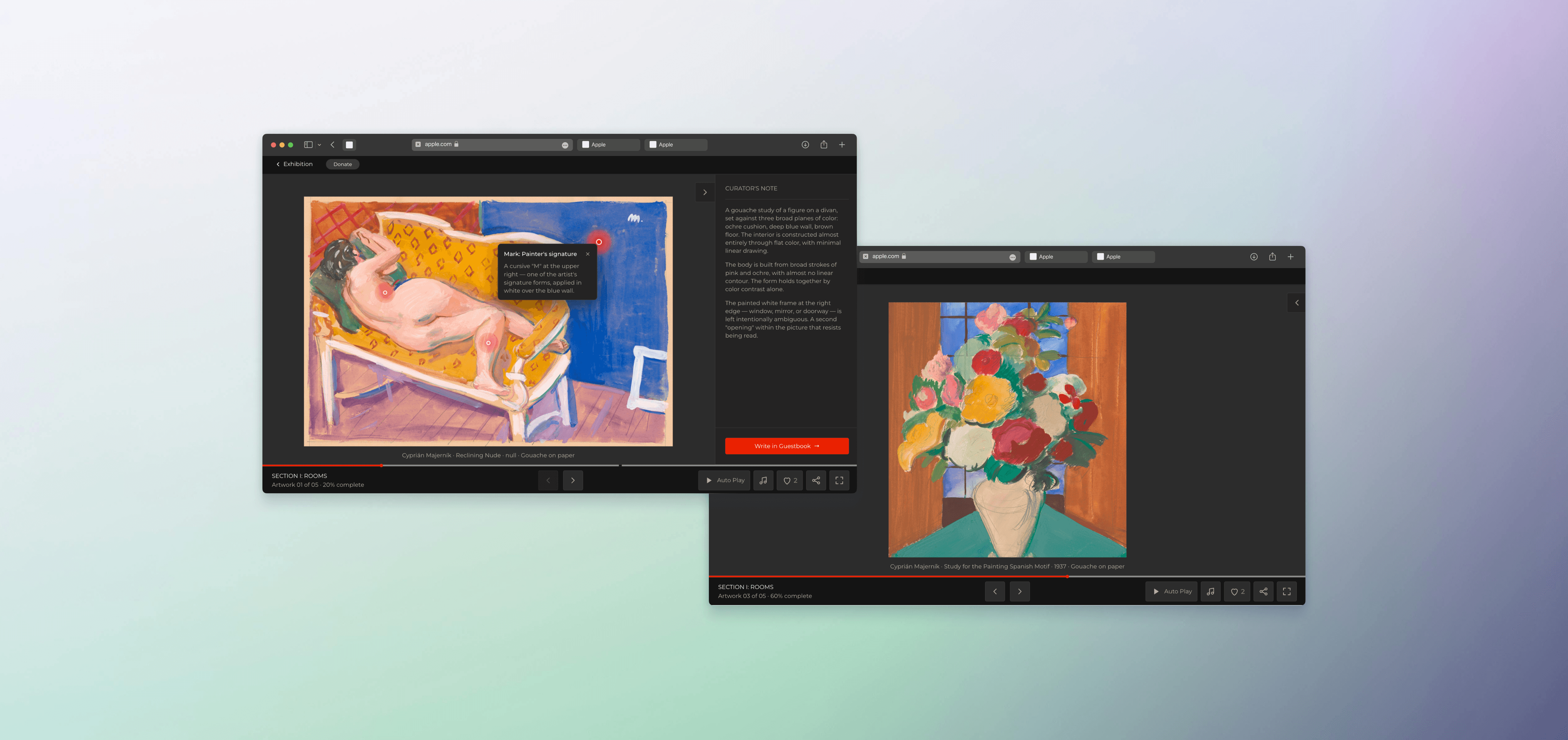
Overview
of artists wanted change
answered it's not engaging enough
Avg engagement time
Quick View PROTOTYPE


Problem
Qualitative
4 emerging artists · 38–52 min interviews
“Exposure is nice, but it doesn't lead anywhere. We need feedback to grow.”
— Common theme across all 4 artists
Quantitative
15 viewers · Maze prototype test (Q1–Q9)
62%
wanted to revisit a specific artwork
33%
stopped for not engaging enough
“The exhibition feels very flat — not much interaction. Feel less immersive.”
— Q6 Open Response · Participant 499770890
Research & Strategy
Takeaway
Decouple artwork from text
Takeaway
Red-dot hotspots on artwork
Takeaway
Guest book for engagement signals
Design Process
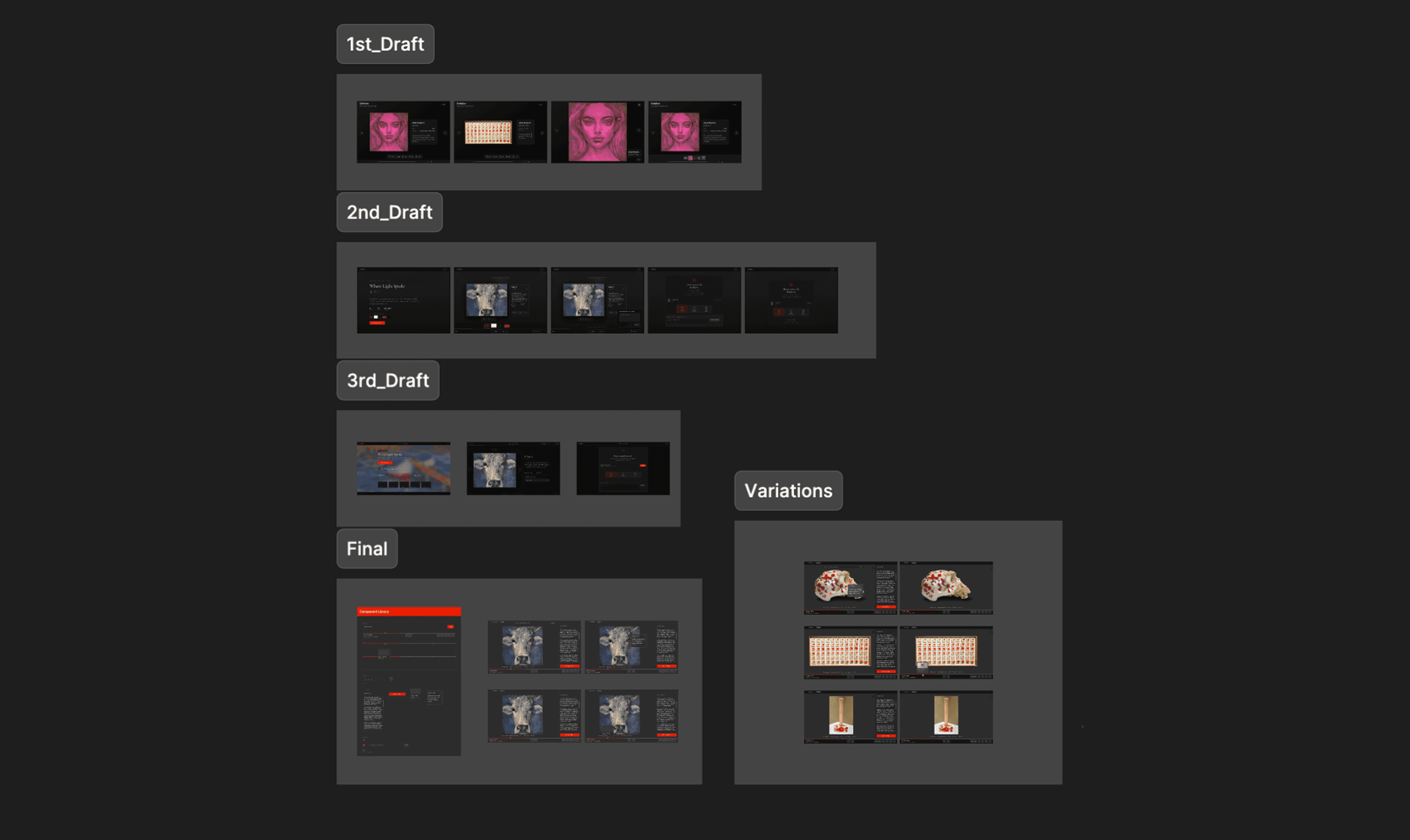
Design Process
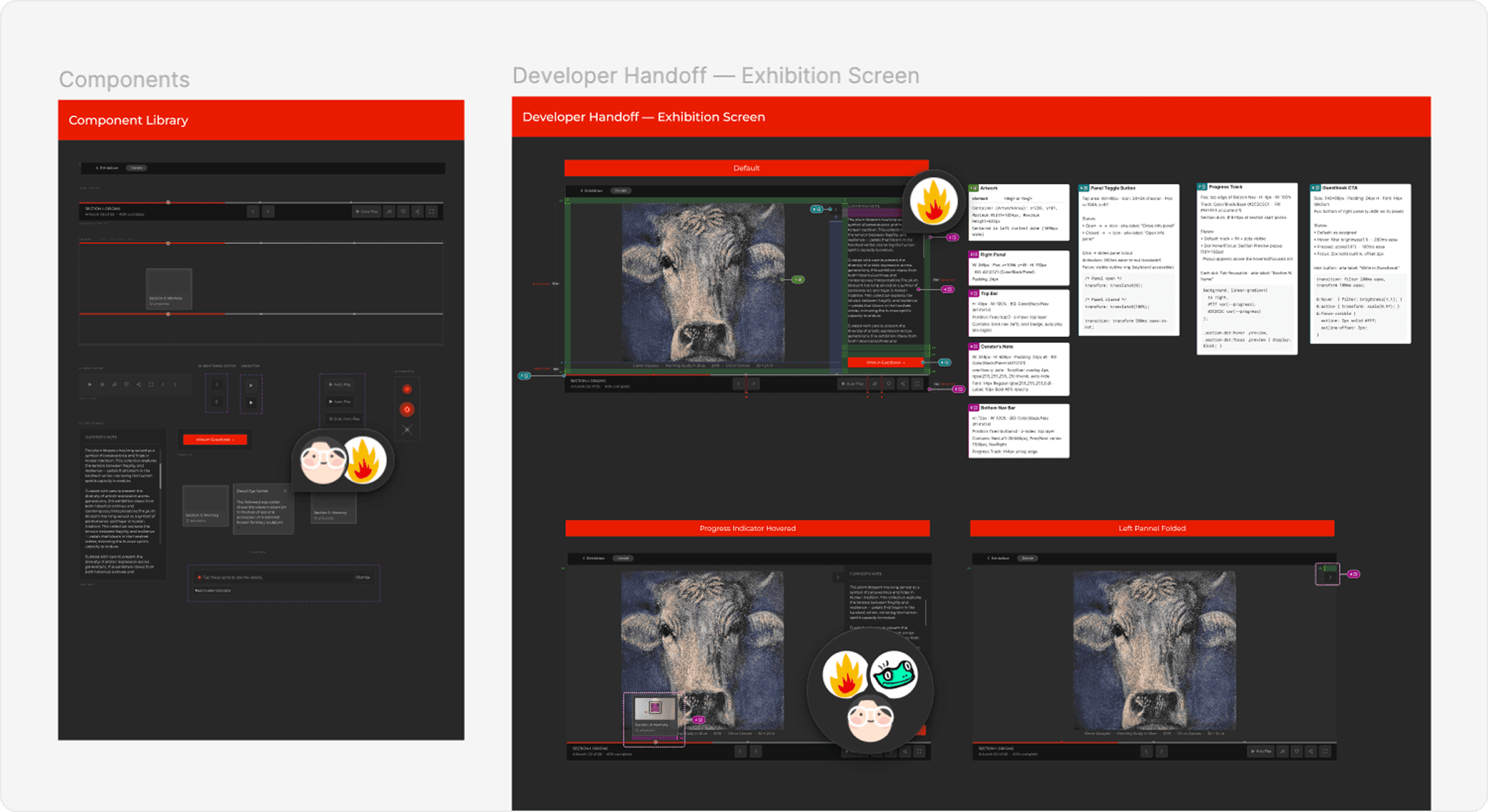
Outcome
Before
After
4/4
Artist Satisfaction
20%
Pages reduced
Reflection
01
Constraints sharpen decisions
Volunteer non-profit work has no budget for 'nice-to-haves.' Every feature had to justify itself against the 3-month timeline. This project taught me to ask 'what's the smallest thing that proves this hypothesis?' before designing.
02
Two users, one root cause
Artists and viewers looked like separate problems. But the root cause — the platform as a content container, not an exhibition — was shared. Finding the unifying insight made the solution set much smaller.
03
Engineers are design partners
The developer's push-back on the Visitor Book turned a risky feature into a safer, more maintainable one. Systems thinking includes systems I don't build myself.
→
What I'd do differently
Run usability tests earlier with the CEO included. A few tensions between stakeholder vision and user research came up late, inviting the CEO into testing sessions directly would have aligned everyone faster.